
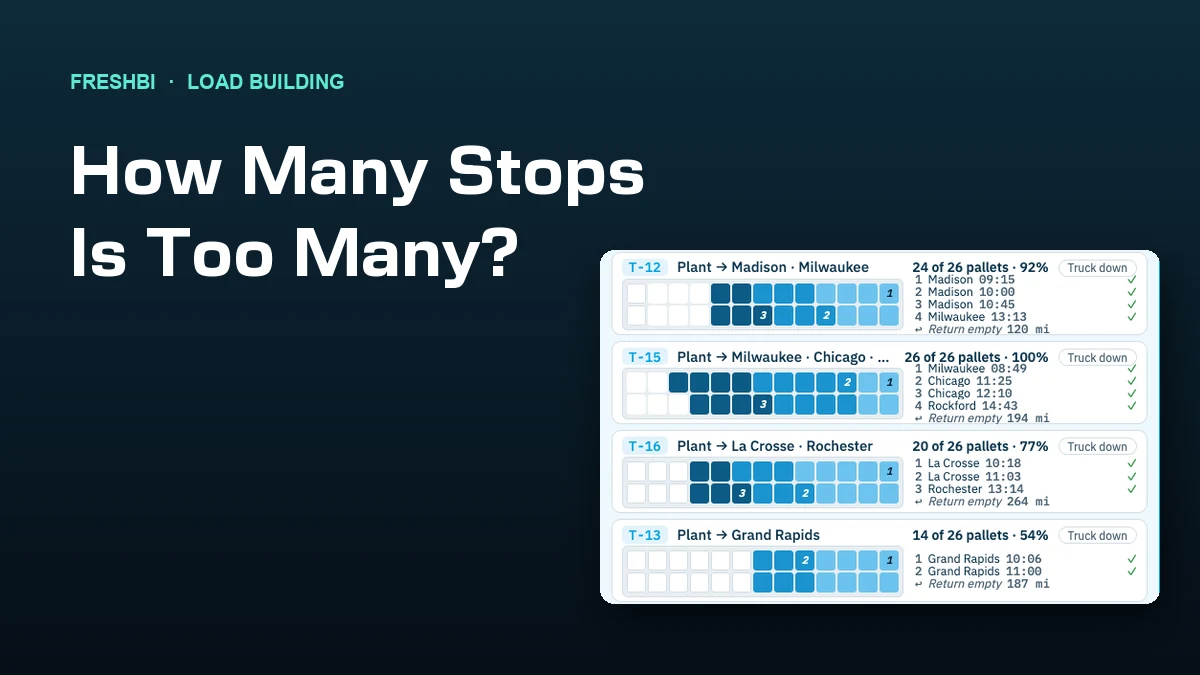
The Fourth Drop That Makes Everyone Nervous
A planner is looking at a dozen orders heading toward the same part of the map. There are two obvious ways to build them. Three trucks with four drops each, or four trucks with three drops each. The three-truck plan saves a truck and a driver. It also puts a fourth delivery window at the end of every route.
Everyone in the room can feel the risk in that fourth stop. Nobody can say exactly how much it costs. So the team does what teams do: it picks a number. "We never do more than three." That rule was probably right once. Nobody remembers when.
Why There Is No Single Right Answer
Every extra stop on a trailer does two things at once. It lets the same orders ride on fewer trucks. And it adds unloading time and window risk to every stop after it. Which effect wins depends on how wide the delivery windows are, how far apart the drops are, and how many hours the driver has left.
That is why a fixed stop limit is a habit, not a rule. The right number is different for a tight-window grocery day than for a loose-window industrial one, and different again when the driver is already near the hours limit.
What the Trade-Off Looks Like
We built a notional day to show the shape of it: 34 invented orders, 320 pallets, one plant, 26-pallet trailers. Limit every trailer to 2 stops and the planner needs 16 trucks, about 65% full on average. Allow 4 stops and the same orders need 12 trucks, about 86% full. Those numbers come from an invented day, not a customer, so don't take them as a benchmark. What matters is that the answer moves a lot with one setting, and nobody can see that from a rule of thumb.
How a Planner Can Decide
- Start from the windows, not the trucks. The tightest window on the load tells you how much slack the later stops really have.
- Try every stop order. A trailer with four stops can be sequenced 24 ways, and five stops 120. People check a handful. A planner tool can check them all and keep the order that meets every window with the fewest miles.
- Check the last stop against the driver's hours. A plan that works on paper but pushes the final drop past the legal limit is not a plan.
- Compare limits side by side. Change the number of stops and look at trucks, fill and late stops together before choosing.
- Keep the exceptions for people. An order that can't be placed at any limit should be flagged for a decision, not forced onto a truck.
Why It Matters Beyond Miles
Fewer trucks means fewer drivers and less fuel, so the pull toward more stops is real. But a late delivery costs a customer relationship, and a driver stuck at the legal limit costs a whole route. A stop limit chosen by habit tends to leave one of those savings on the table. A stop limit chosen by trying the options shows its own cost.
Next in the Series
This is the second post in our load building series. It follows the warehouse post, about planning loads with the lanes in view. You can change the stops per trailer on a notional day on our multi-stop load building page, and see the other version on our warehouse throughput page. Logistics teams can see the wider picture on our AI and BI for logistics page.
If your stop limit is three because it has always been three, that's not a rule. That's a habit.