














Insurance Claims Processing

AI Insurance Claims Processing. Every Field Checked. Nothing Stuck.

One AI-driven pipeline takes claims from EDI feeds and email inboxes, extracts and validates every detail, and hands clean files to your adjusters — while a live dashboard shows exactly where every claim stands.

  1. 1Fewer errors, fewer denials. Claims are read, cross-checked and flagged before a person ever re-keys a field.
  2. 2Faster payouts. Clean, pre-validated files reach adjudication sooner, so decisions and payments move faster.
  3. 3Total visibility. Every claim, from every channel, in one live view with a timestamped audit trail.

Trusted by more than 300+ companies around the world

  • City-of-Vancouver
  • LOreal
  • British-Columbia
  • Government-of-Manitoba
  • Disney
  • Nestle
  • John-Deere
  • Scotiabank
  • Wells-Fargo
  • Chevron
  • FedEx
  • Walmart
  • ATT
  • freshbi-business-intelligence-data-analytics-ai-kaiser-permanente-update-2

01The problem

Claims intake is where speed and accuracy go to die

  1. Problem 1
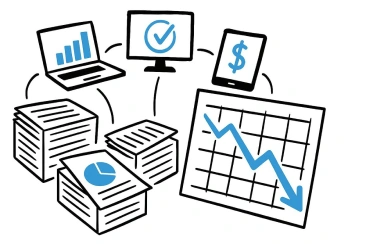
    Stacks of paper and spreadsheets surrounding laptops

    Claims arrive everywhere

    EDI 837 files, emailed PDFs, medical records, invoices and photos land in different queues, and someone has to chase them all.

  2. Problem 2
    Sketch of a stack of paperwork on fire

    Re-keying breeds errors

    Every manual re-key risks a wrong policy number, amount or date of loss, and every error becomes a rework loop or a denial.

  3. Problem 3
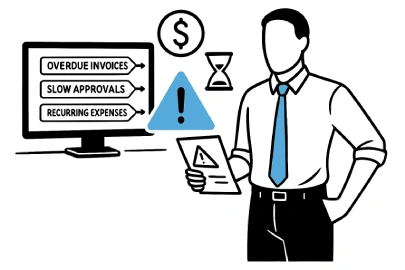
    Person looking at a screen of overdue items and slow approvals

    Problems surface too late

    Without a live view, stuck files and validation failures are found after the SLA is already missed.

Volume goes up, margins don't. Manual intake can't scale with your book of business.

02What changes

From claims chaos to a controlled pipeline

Manual intake

  • Claims chased across inboxes, portals and EDI files
  • Fields re-keyed by hand into the claims system
  • Issues found after they have already caused delays
  • Audit trails rebuilt from emails when someone asks

With FreshBI

  • Every channel feeds one live pipeline automatically
  • AI extracts and validates fields, and people handle only the exceptions
  • Stuck files and anomalies flagged the moment they appear
  • An immutable, timestamped trail for every claim, ready for audit

03How it works

From first notice of loss to adjudication-ready

One pipeline ingests every claim, reads it, checks it, and routes it into your claims system, with every step visible.

  1. Ingest Every channel, one queue
    • EDI 837 / X12
    • Email attachments
    • Claim forms
    • Photos & records
  2. Extract AI reads every document with OCR
  3. Validate Policy, amounts, dates and codes cross-checked
  4. Route Fraud checks and adjuster assignment
    • Guidewire
    • EIS
    • Custom platforms
  5. Oversee Live dashboard and audit trail

04Under the hood

Three layers, one claims pipeline

Laptops and devices connecting into a central cloud
Multi-channel intake

Every submission lands in one place

Structured and unstructured claims flow into a single pipeline, with each one tagged by source so nothing falls between channels.

  • EDI and email, togetherEDI 837 and other X12 formats alongside emailed PDFs, records, invoices and photos.
  • Reads like a person, works like a machineOCR and AI pull the fields that matter out of messy, mixed-format documents.
  • Works with your channelsConnects to the inboxes, portals and feeds you already use without changing how submitters work.

Person inspecting data through a magnifying glass
Validation and adjudication

Clean files, ready for the adjuster

Claims are checked against your rules before they reach a person, so adjusters spend their time deciding rather than correcting.

  • Intelligent cross-checksPolicy numbers, claim amounts, dates of loss, diagnoses and codes validated automatically.
  • Rules and fraud flagsRule-based review surfaces suspicious claims for a human to examine.
  • Straight into your core systemValidated claims are routed to Guidewire, EIS or a custom claims platform.
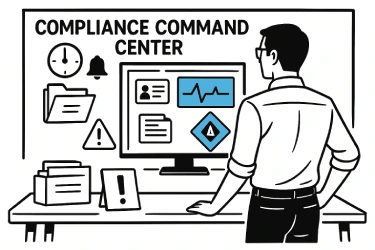
Person at a compliance command center with monitoring screens
Oversight and audit

See every claim. Prove every step.

A live view of the whole lifecycle for the people running operations, and a defensible record for everyone who audits them.

  • Bottlenecks flagged earlyStuck files and validation failures are highlighted visually, so teams act before SLAs slip.
  • A timestamped trailEvery step is logged with its time and source, giving you traceability from intake to closure.
  • Shared visibilityGive carriers and clients an auditable view of claim status when reconciliation requires it.

05See it live

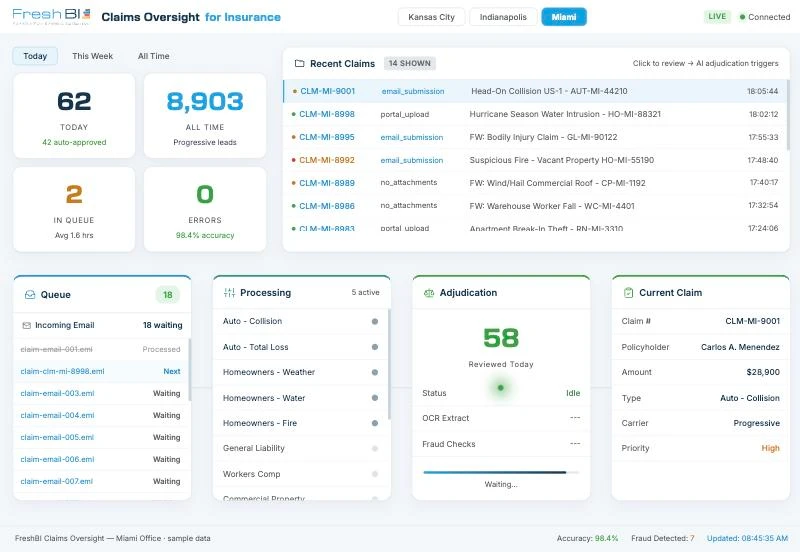
The claims oversight dashboard

An interactive demo with sample data. Switch offices, watch claims move through the queue, and click a claim to see AI adjudication trigger.

Open the dashboard full screen ↗

06Who it helps

One pipeline, a clearer view for everyone

Each role works from the same live source of truth, with the view it needs.

  • Claims intake

    Watch every queue, review AI extraction results and route work to adjusters on time.

  • Operations

    Track pipeline performance, spot bottlenecks and monitor compliance from one dashboard.

  • Adjusters

    Open pre-validated files with the key fields in front of you and decide faster.

  • Carriers and clients

    Get shared, auditable visibility into claim status for reconciliation and reporting.

07The result

What it does for the business: Fewer denials. Faster payouts. Lower cost per claim.

What it does for the business

  1. Fewer denials.
  2. Faster payouts.
  3. Lower cost per claim.

Accurate intake, early warnings and audit-ready records let you take on more claims without taking on more headcount.

Talk to us

08How we deliver

From first call to a live pipeline

  1. 1
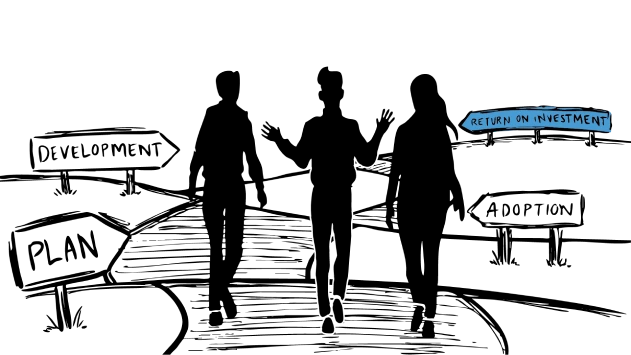
    Three people choosing a path
    Step 1

    Discover & Define

    We map your claim channels, lines of business and rules, and agree on the KPIs that matter.

  2. 2
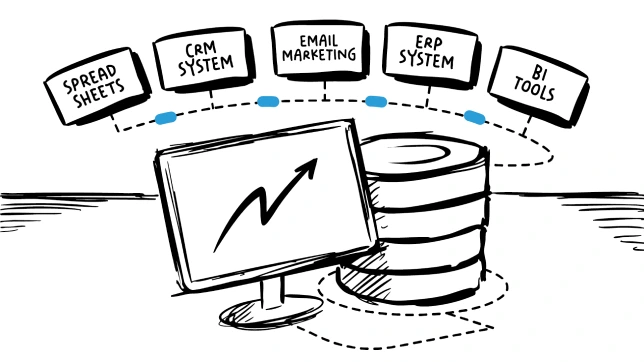
    Business systems connecting into a single dashboard
    Step 2

    Integrate & Configure

    We connect your EDI feeds, inboxes and claims system into one pipeline.

  3. 3
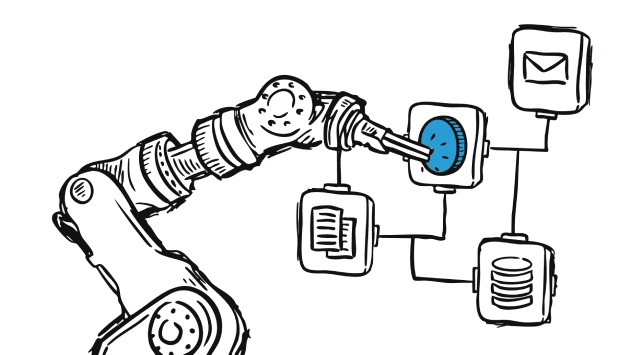
    A team building a data system
    Step 3

    Build & Customize

    We tune extraction, validation and routing to your claim types, then build your dashboard.

  4. 4
    Team being trained and supported
    Step 4

    Empower & Support

    We train your team and stay on hand so the pipeline keeps improving.

09Lines of business

Built for the lines you run

The pipeline adapts to the documents, codes and rules of each line.

  • Auto

    Collision and total loss claims, with policy, loss and amount cross-checks on every file.

  • Property

    Weather, water, fire and liability claims, with photos and supporting documents read automatically.

  • Health

    EDI 837 transactions and medical records, with diagnosis and procedure codes validated.

  • Workers' comp

    Incident reports and medical documentation, routed to the right adjuster with a full trail.

10Pricing

No surprises, just clear value

Most popular

Plan Annually

$77,000/year

We bring your 12-month BI vision to life with instant scalability.

Get started

Plan Monthly

$7,000/month

A setup process and a straightforward monthly subscription fee.

Get started

Plan Big

Custom

You dream it, we build it.

Get started

Every plan includes

  • Embedded business consulting
  • Ontology 1st design
  • Data centralization and governance
  • Agentic use case design and deployment
  • Beautiful dashboards
  • Data platform architecture
  • Data platform implementation
  • Team enablement in AI and BI
  • Process design and automation
  • Data modelling in Excel

Frequently asked questions

Which claim formats and channels does it handle?
Structured EDI submissions (primarily EDI 837 and other X12 formats) and unstructured email attachments such as PDF claim forms, medical records, invoices, accident photos and supporting documents. Portals and other feeds can be added during scoping.
Does it replace our claims management system?
No. It sits in front of it. Validated claims are routed into your existing platform, whether that is Guidewire, EIS or a custom system, so adjusters keep working where they already work.
Who makes the decision on a claim?
Your people do. The AI reads, validates and flags. Rule-based and fraud checks surface claims that need a closer look, and your adjusters make the call.
How do you handle accuracy and exceptions?
Every extracted field is cross-checked against policy and claim data. Anything that does not reconcile is highlighted on the dashboard for a person to review, rather than passed through silently.
What does the audit trail include?
Each step in a claim's life is logged with a timestamp and its source (for example EDI 837 or email submission), giving you a traceable record from intake through closure.
Is our claims data secure?
Your data is protected with encryption and role-based access controls, and we offer flexible hosting options to meet your security and compliance requirements. Share your requirements early and we will scope the solution around them.
Which lines of business does it support?
Auto, property, health and workers' compensation are the common starting points. We tailor extraction, validation and routing to the documents and rules of each line.
How long does it take to get started?
It depends on your channels and systems. In discovery we map your intake and agree a scope and timeline, so you know what a first live pipeline looks like before you commit.

Ready to take the chaos out of claims?

Book a free consultation and see your own claims flow through a live pipeline.

See It On Your Claims